
KYY 18.5" Quad Portable Monitor X90P (Coming December)
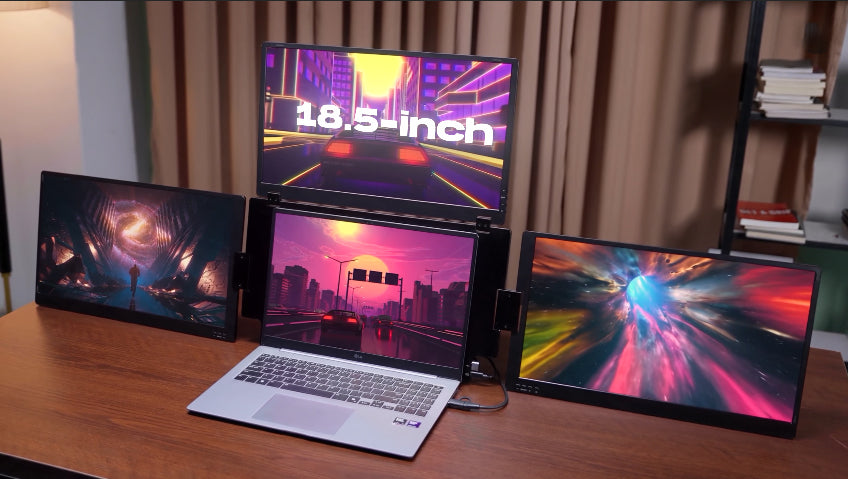
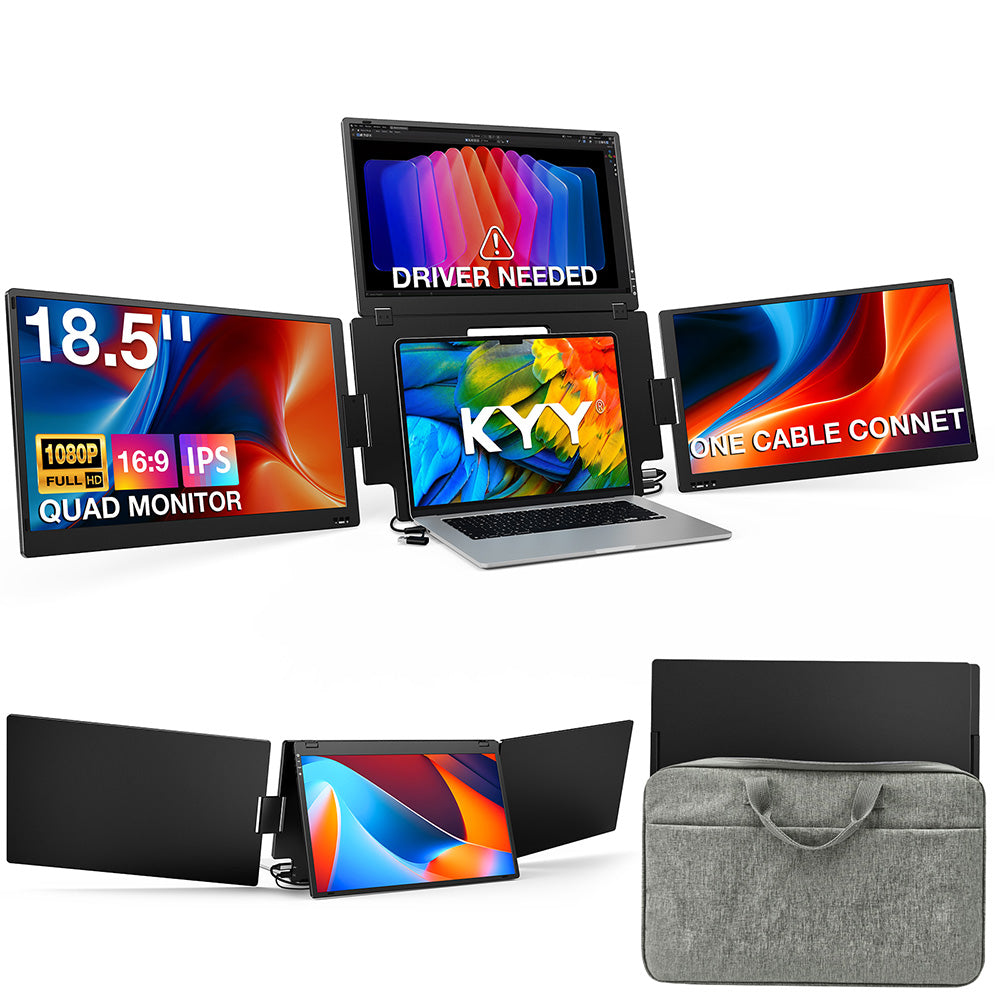
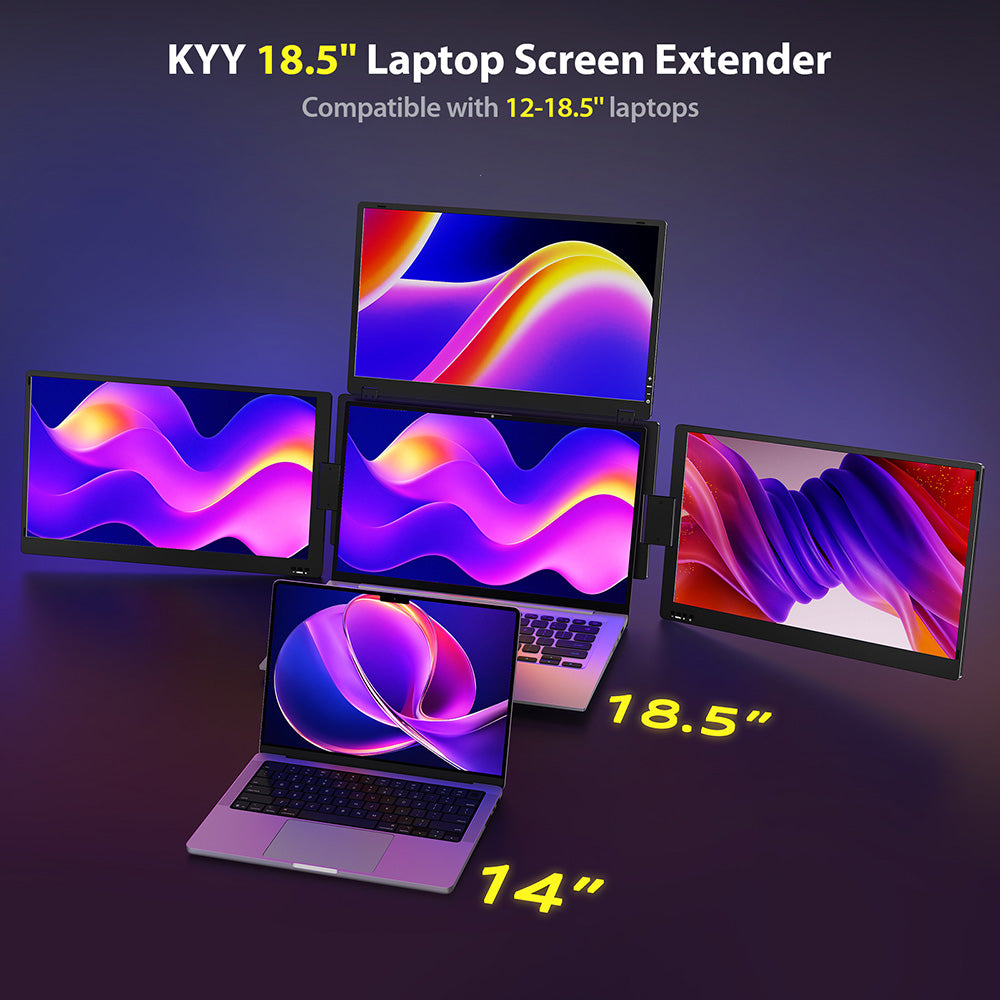
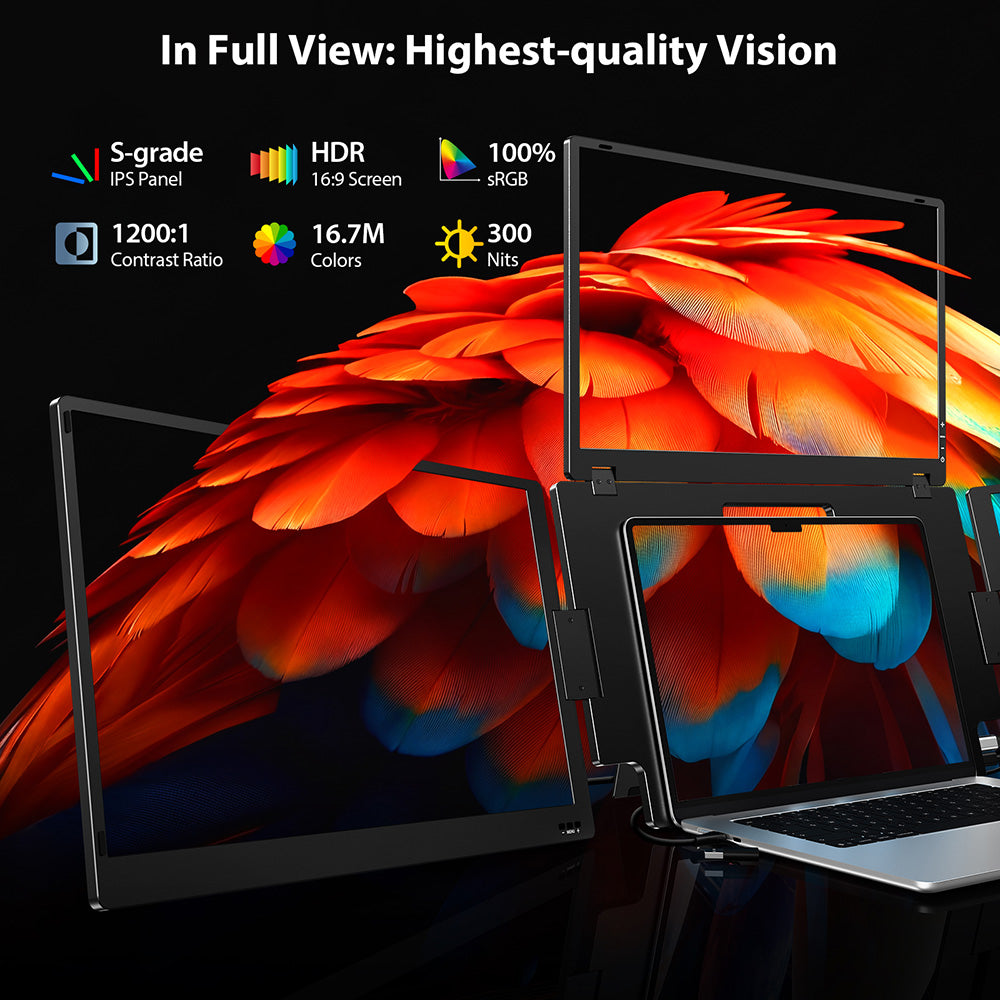
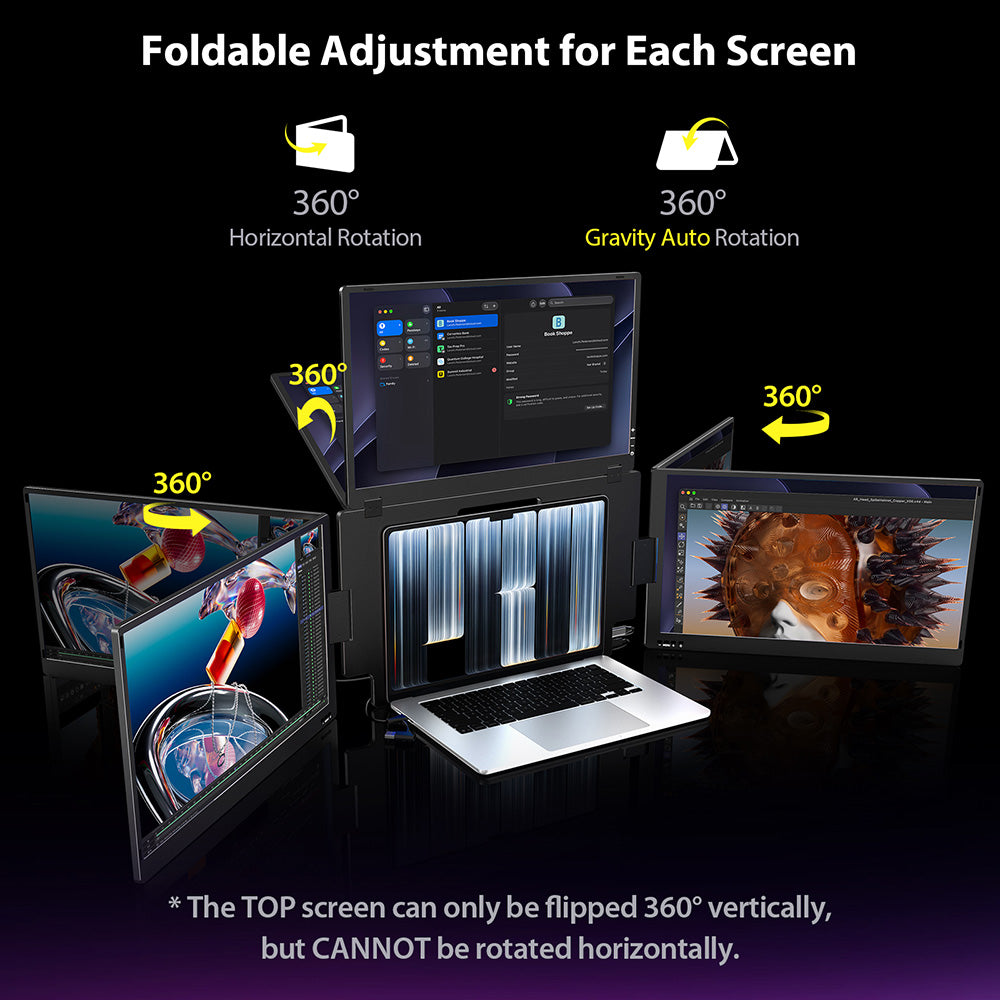
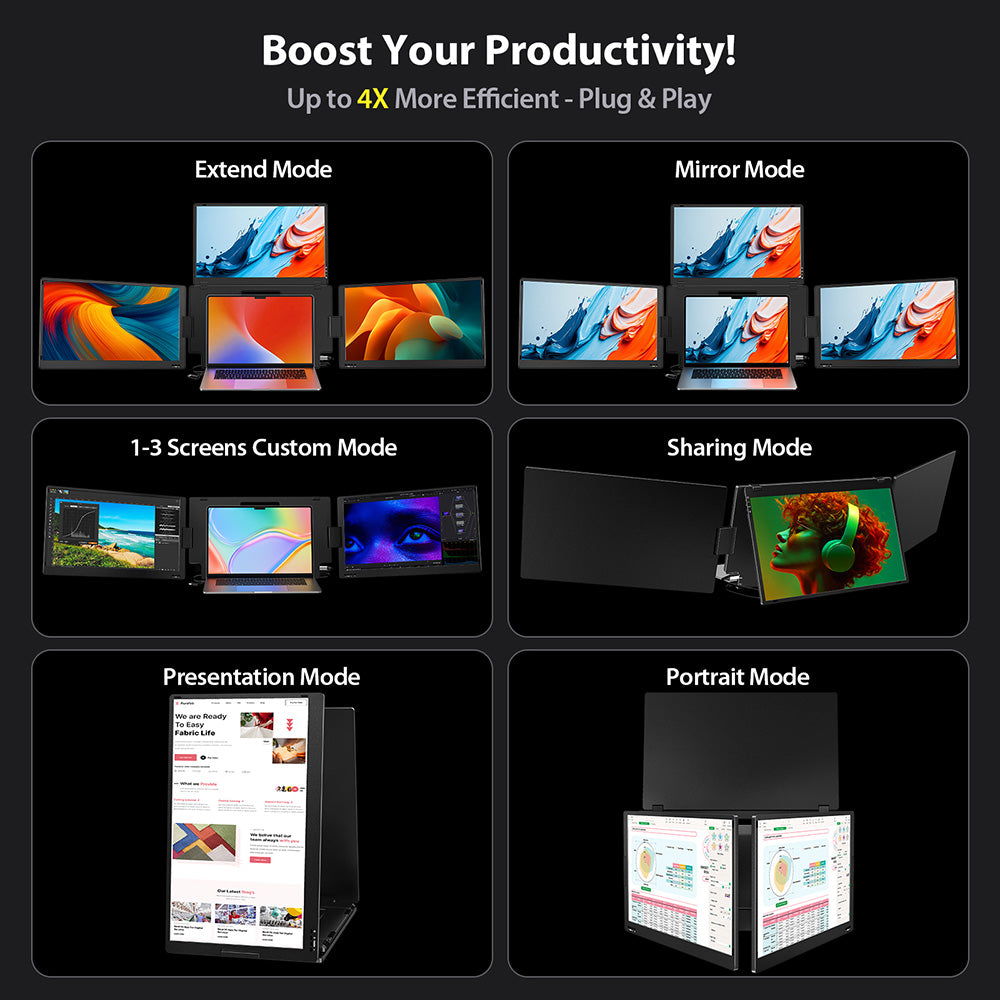
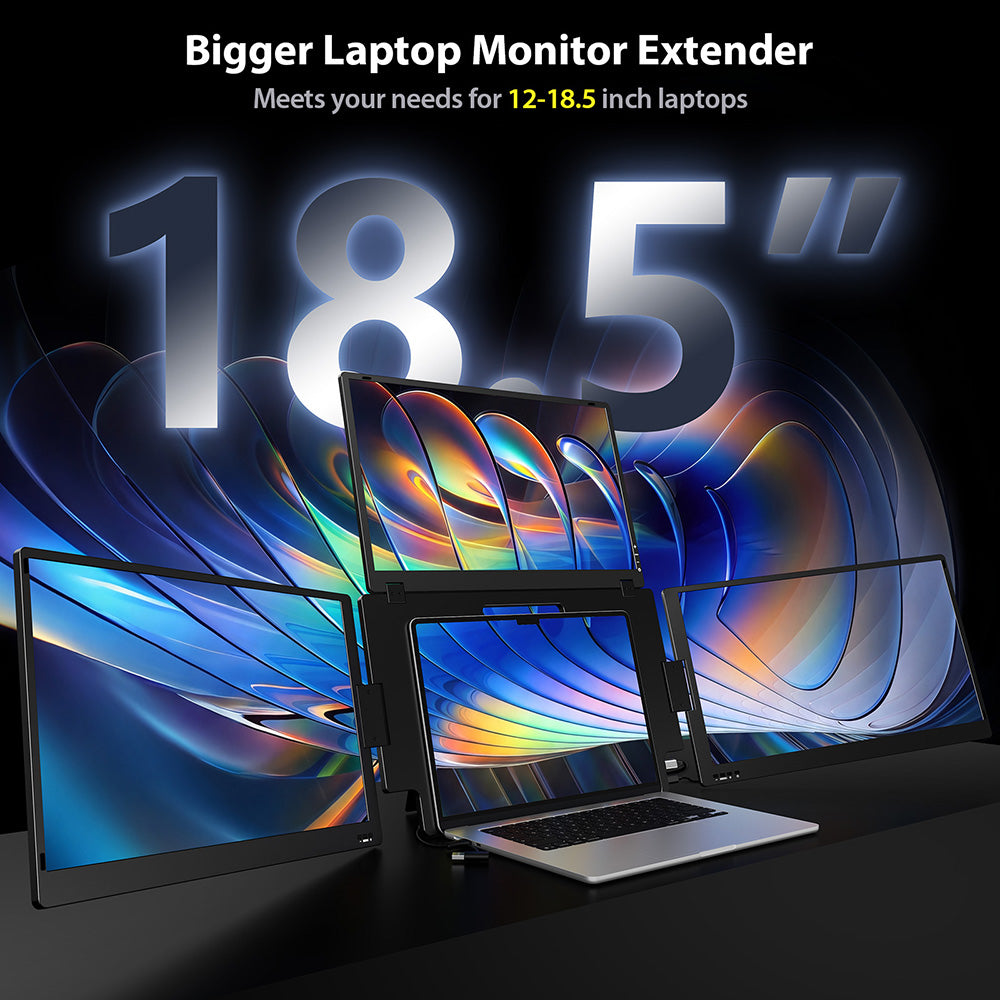
Take your productivity to the next level with the KYY 18.5" Quad Portable Monitor X90P. Featuring a quad-screen setup with large 18.5-inch displays, the X90P Portable Monitor transforms your laptop into a four-screen workstation, giving you more screen space to multitask, manage multiple applications, and streamline your workflow. Whether you're working, analyzing data, or managing complex projects, enjoy a more efficient and flexible workspace wherever you go.
Four-Screen Workspace with Large 18.5-Inch Displays:
Enjoy an expanded viewing experience with larger 18.5-inch screens. Work across multiple windows, compare information, and manage several tasks simultaneously to boost productivity and efficiency.
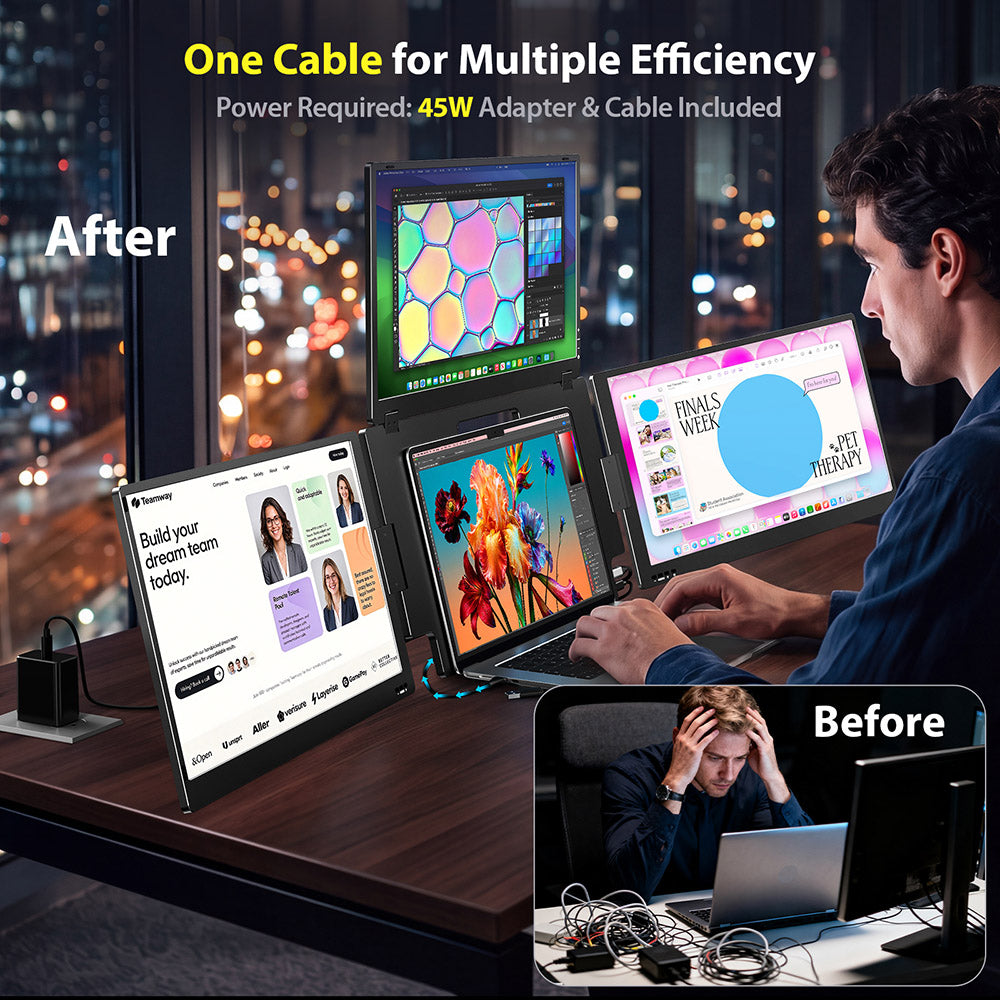
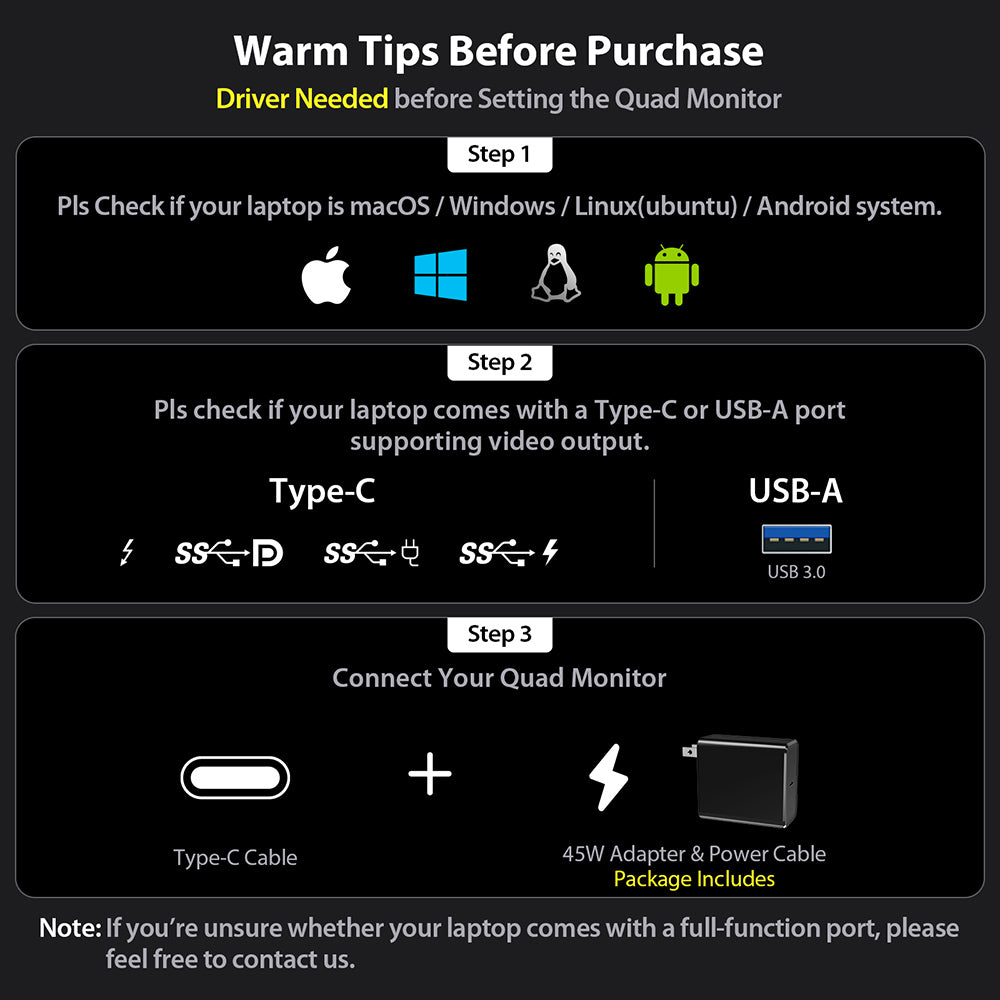
One-Cable Connection for a Cleaner Setup:
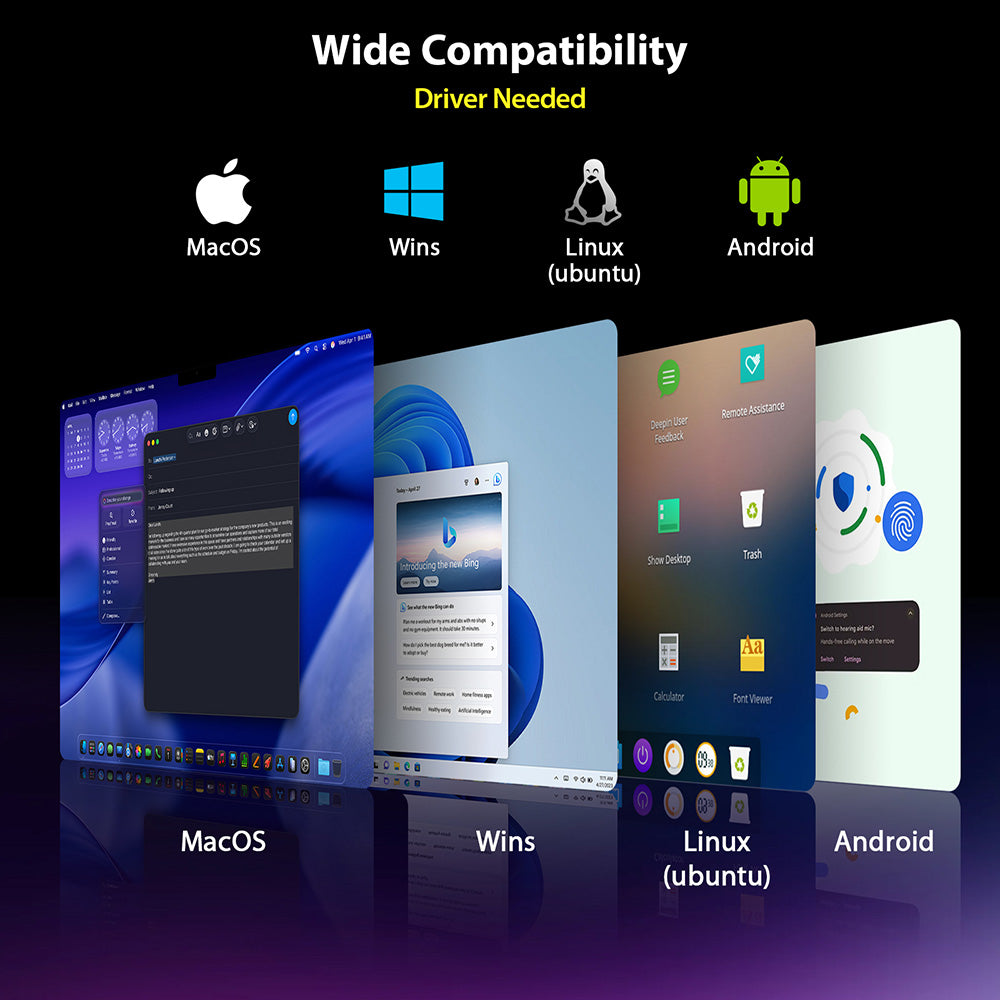
Connect your laptop to the X90P Monitor with a single cable for a more organized workspace. Driver installation is required before use, and the included power cable and adapter must be connected for proper operation.
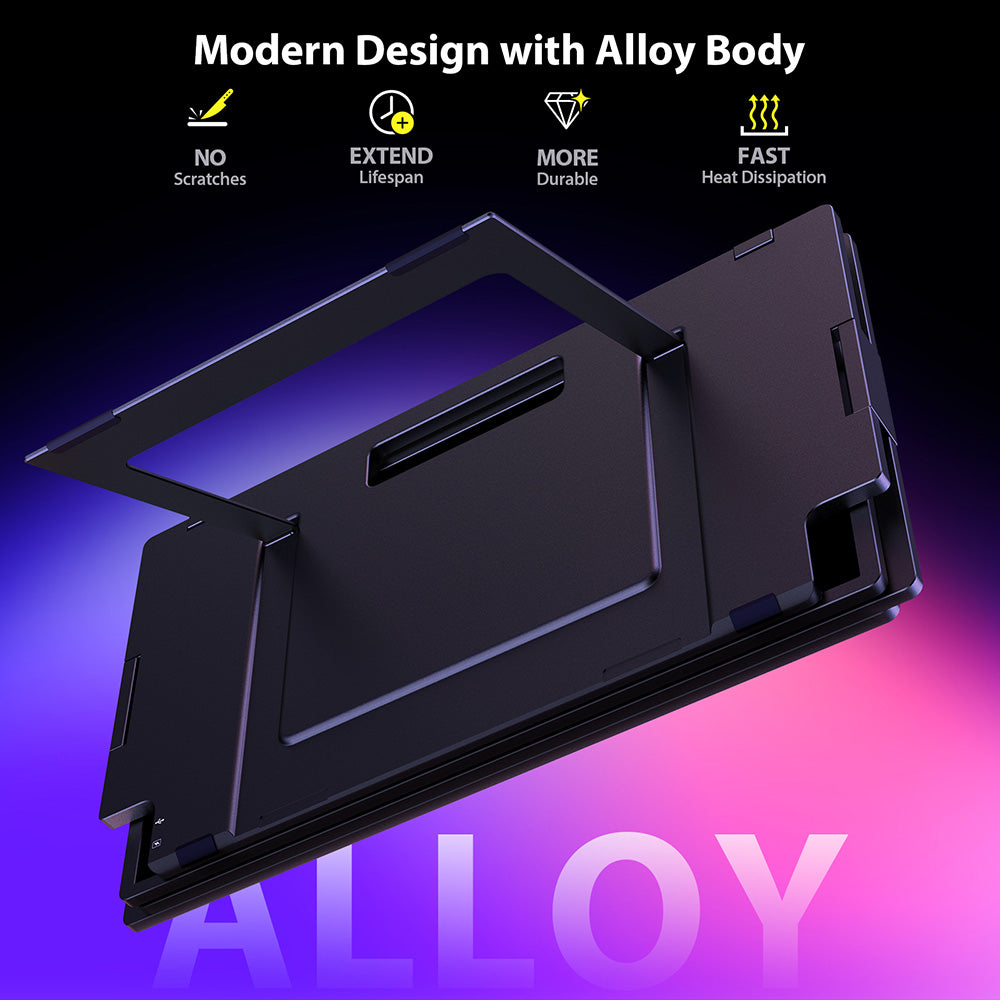
Premium Aluminum Alloy Construction with Built-In Stand:
Crafted from durable aluminum alloy, the X90P combines a sleek, premium appearance with enhanced stability. Its integrated aluminum alloy stand provides reliable support for everyday use.
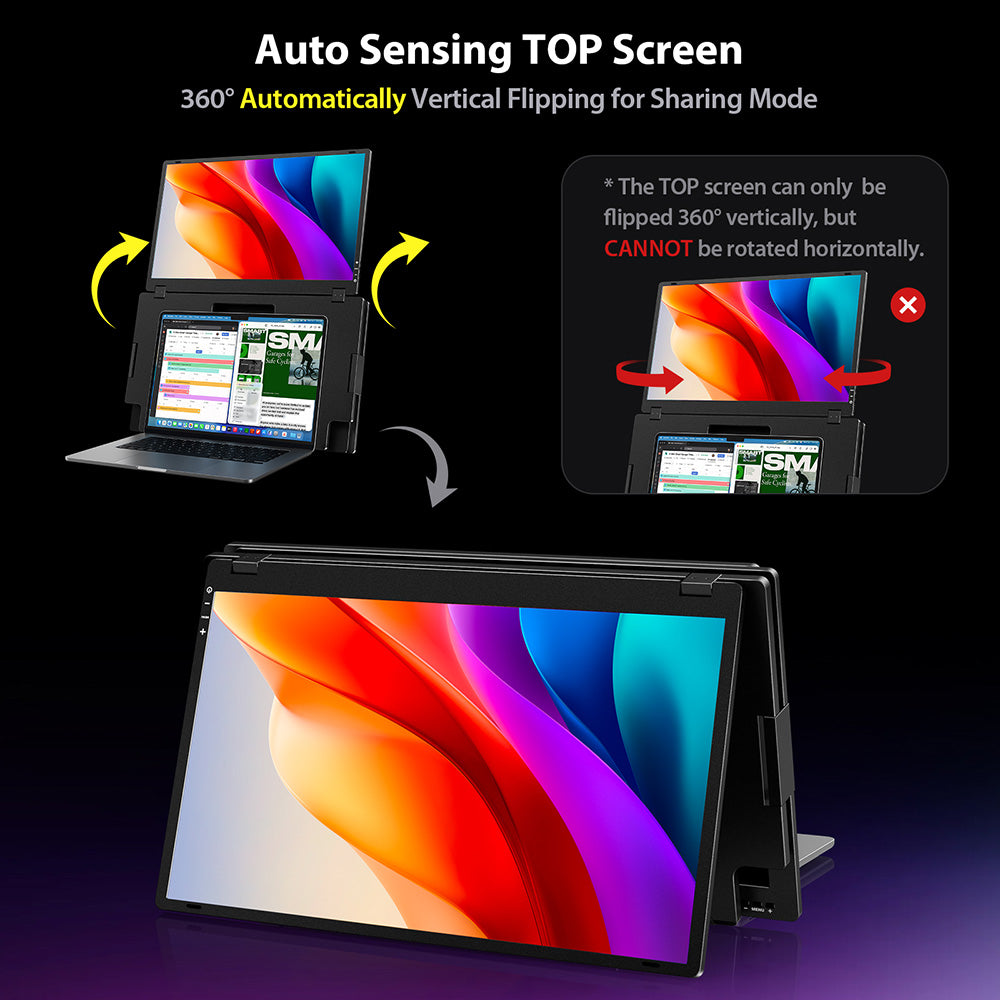
Automatic Top-Screen Rotation for Flexible Viewing:
The top screen automatically rotates when folded backward, allowing flexible viewing angles and convenient screen positioning to suit different working environments.


Product Usage Notes:
1. When filming, please set the screen brightness to the maximum level to ensure the screens appear bright and clear in the shot.
Operation: Press the "+" button located below each screen panel to adjust the brightness of each screen individually.
2. Please ensure the side screens are fully flattened and the center panel is completely unfolded. Please refer to:
3. Please adjust the stand to the appropriate angle so that the screens tilt backward during use, rather than standing upright on the desk.
Please refer to: